 PlanSwift
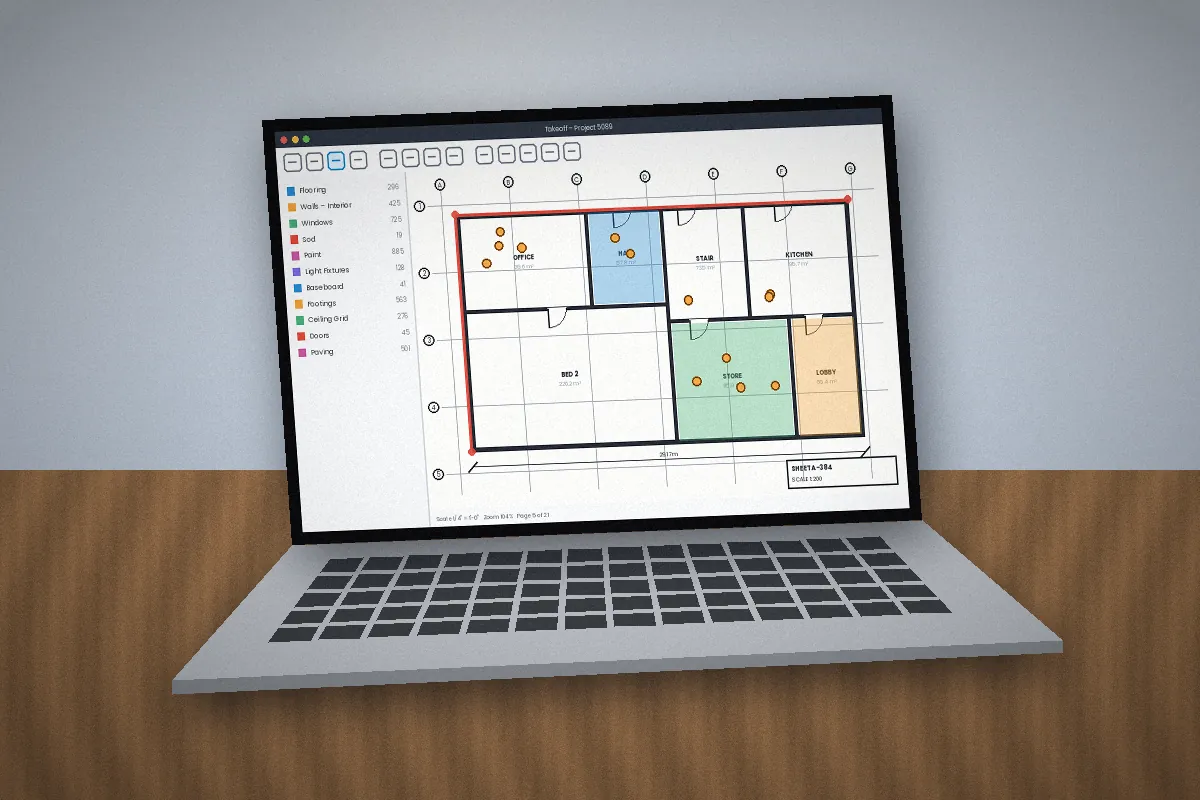
Setup
How to Install PlanSwift on Windows
A careful walk-through of the installer, administrator rights, activation and the first launch, so the program is ready for a real takeoff.
Read the articleNine practical articles covering setup, accuracy, estimating and everyday problems. Each one is written to be read in a few minutes and applied straight away.
A careful walk-through of the installer, administrator rights, activation and the first launch, so the program is ready for a real takeoff.
Read the article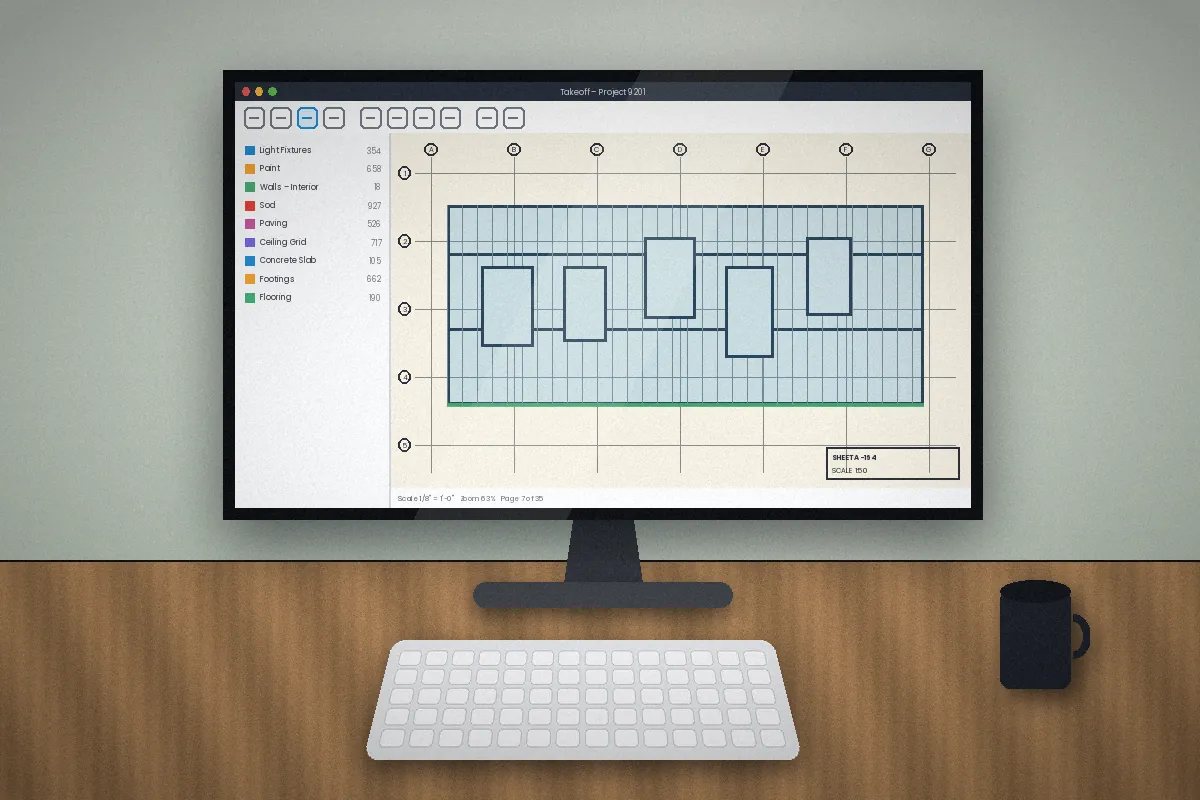
Which editions of Windows, which processors and how much memory PlanSwift needs, and where spending on hardware actually pays off.
Read the article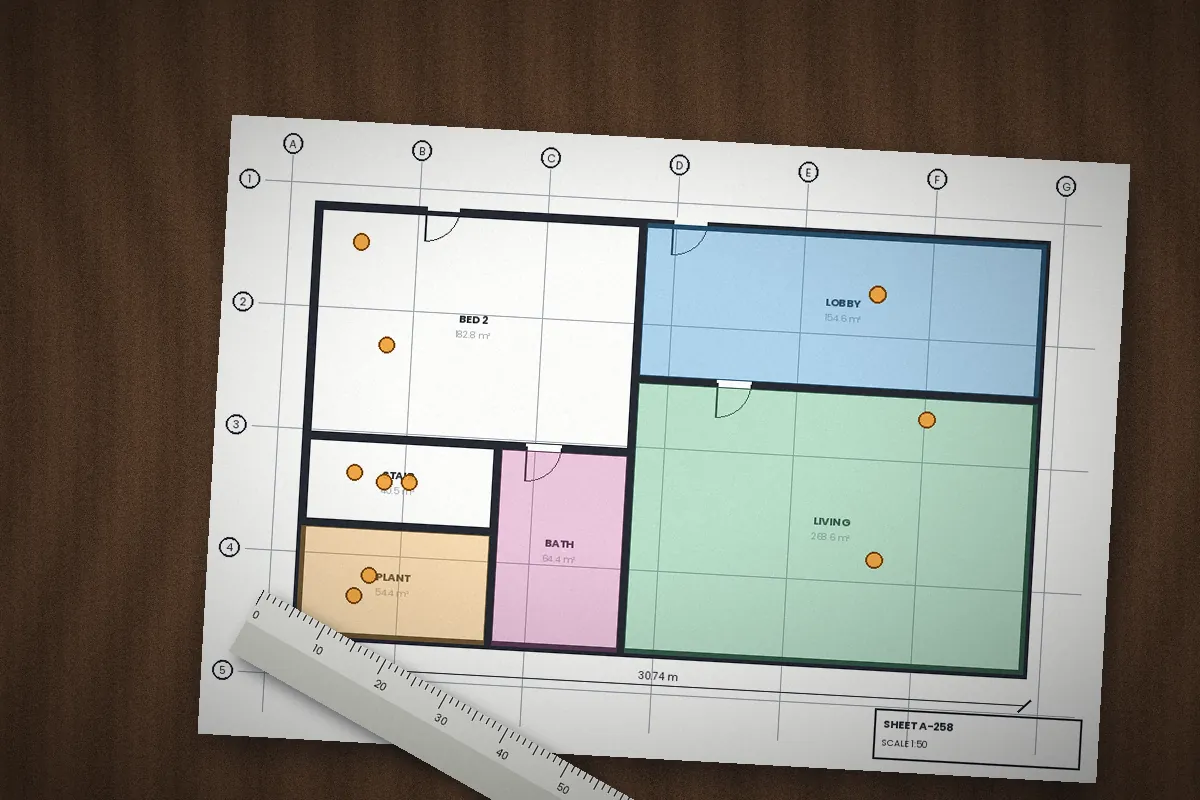
Scale decides whether every quantity is right or wrong. Learn how to set it per page, verify it against a known dimension and avoid common slips.
Read the article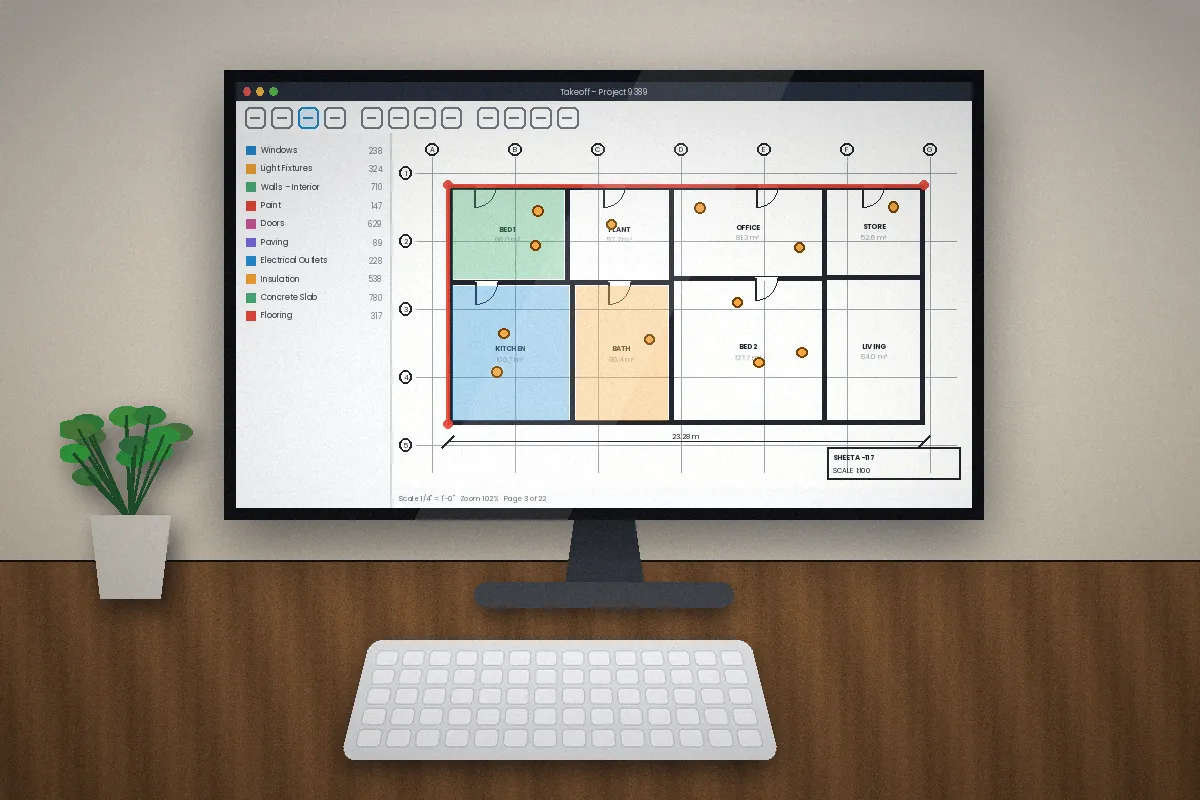
The three measurements behind nearly every estimate, when to use each one and how to keep large drawings tidy and easy to audit.
Read the article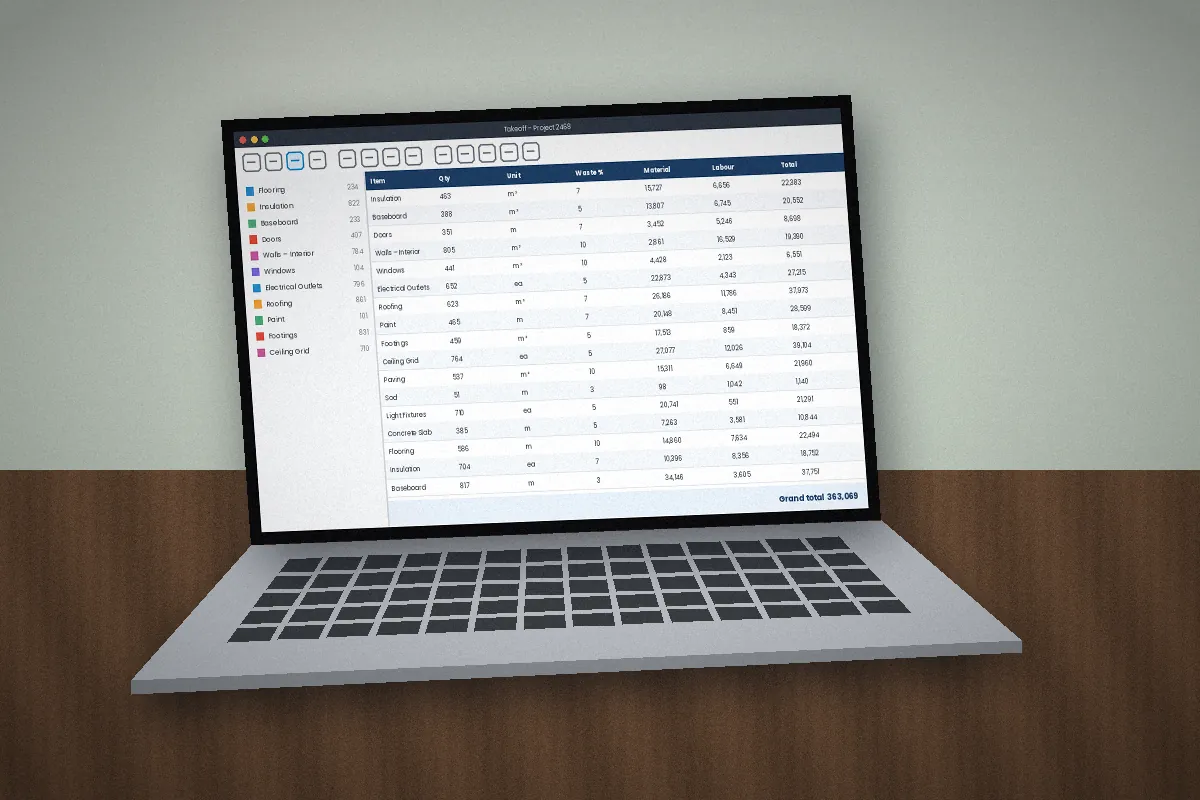
Turn a single traced item into a full list of materials and labour by attaching parts, waste factors and formulas to it.
Read the article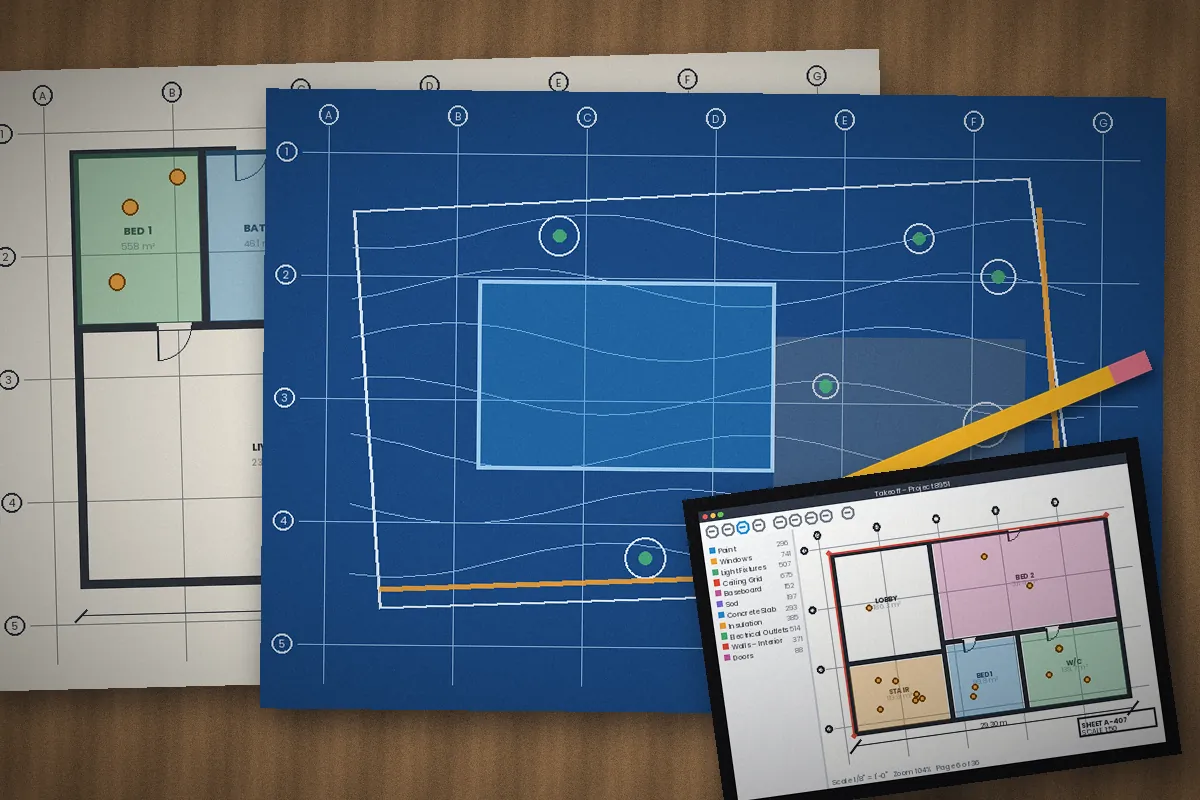
How the Excel link works, which version of Excel it expects and how to structure a workbook that updates cleanly between revisions.
Read the article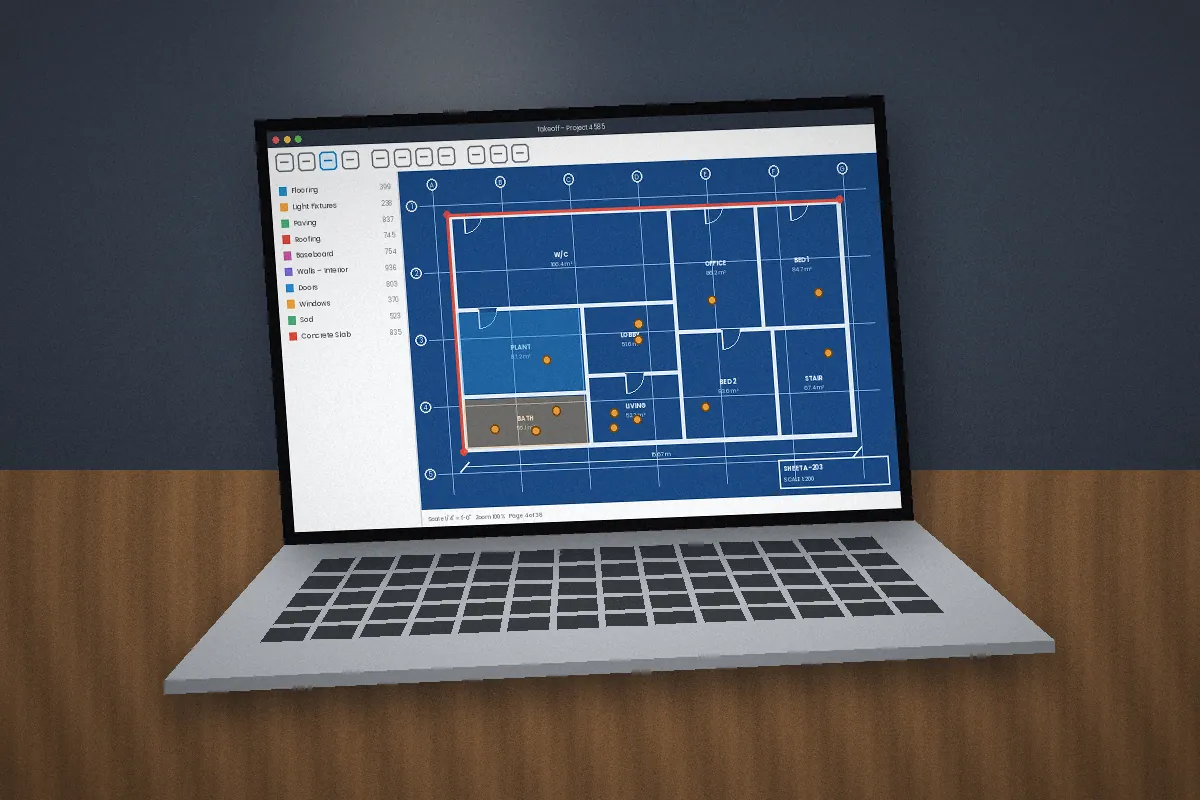
PlanSwift is a Windows program, but a Mac can still run it through Windows virtualisation or Boot Camp. Here is what to expect from each route.
Read the article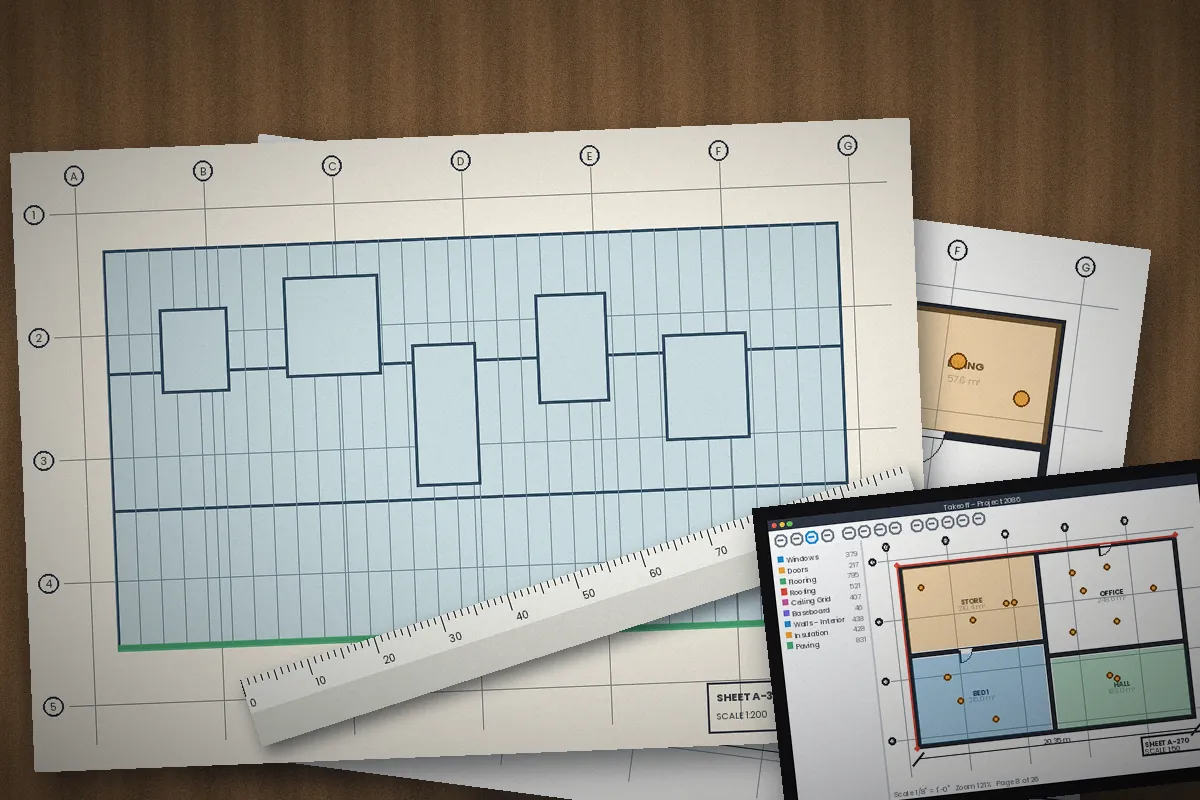
PDF, TIF, DWG, DXF, JPG and Dodge PLN files compared, with notes on which formats keep built-in scales and which need manual calibration.
Read the article
Practical fixes for installation errors, Excel links that refuse to connect, incorrect scales, slow drawings and activation trouble.
Read the article